
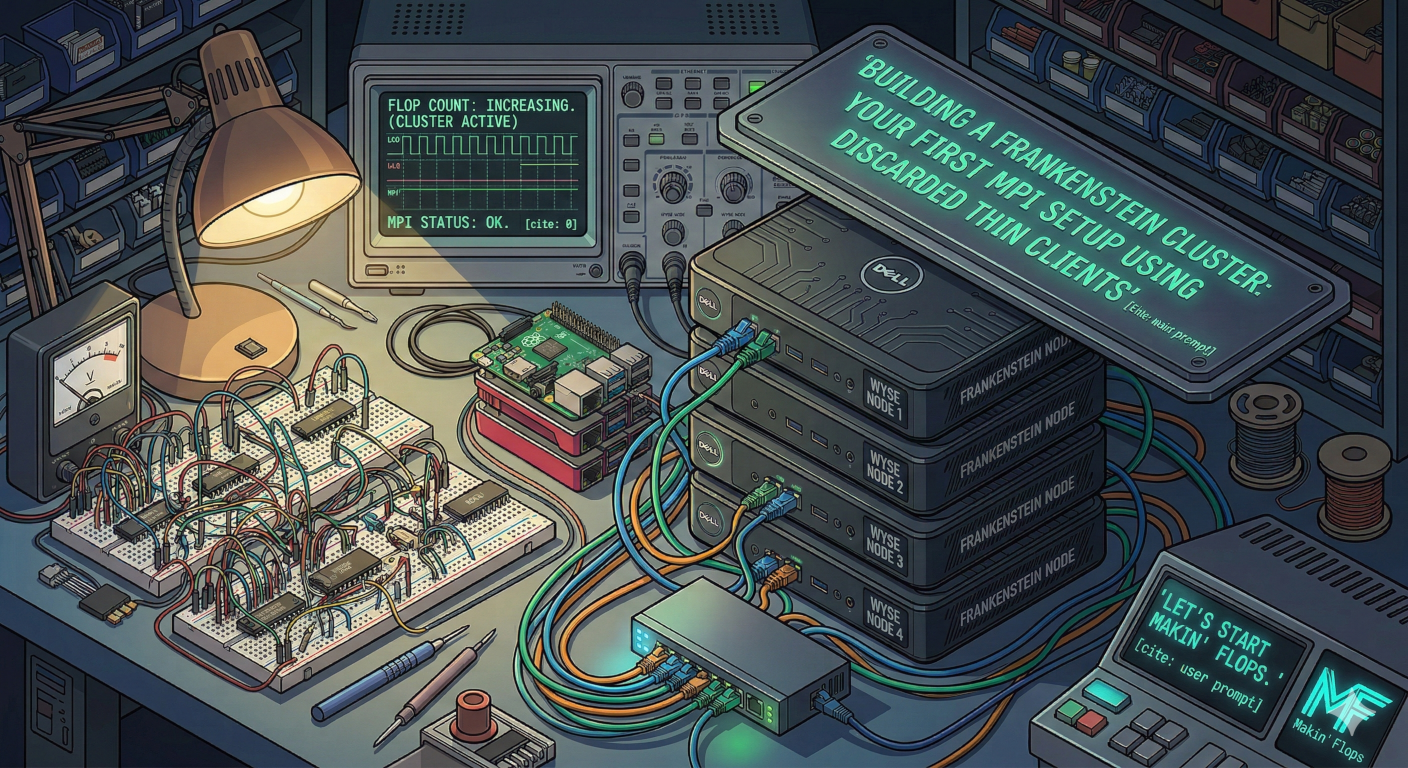
Welcome back to the lab. Today, we are moving past theory and getting our hands dirty. We’re going to build a Beowulf-style compute cluster out of hardware that was originally designed to do nothing but run a remote desktop session in a cubicle circa 2014.
Why? Because a stack of $15 Dell Wyse thin clients from eBay combined with some cheap Ethernet cables is the perfect sandbox for learning distributed computing. We are going to stitch them together using MPI (Message Passing Interface) so they can combine their meager processing power to solve problems as a single entity.
Let’s start makin’ FLOPS.
The Hardware Haul
Here is what you’ll need to play along:
- The Nodes: 3 to 4 old thin clients or SBCs (Raspberry Pis work great too). We’ll designate one as the Head Node (the boss) and the rest as Worker Nodes.
- The Spine: A cheap unmanaged gigabit network switch and enough Ethernet cables to wire everything together.
- The Brains: A lightweight Linux distro. Debian or Alpine Linux is perfect here to keep overhead low.
Step 1: The Networking Glue
MPI needs your machines to talk to each other without asking for a password every five seconds. This means setting up static IP addresses and passwordless SSH.
- Assign Static IPs: Give your head node an IP like
10.0.0.100, and your workers10.0.0.101,10.0.0.102, etc. Add these to the/etc/hostsfile on every machine so they can resolve each other by name (e.g.,node1,node2). - Generate SSH Keys: On your Head Node, generate an SSH key pair (leave the passphrase blank):Bash
ssh-keygen -t rsa - Share the Keys: Copy the public key to all your worker nodes:Bash
ssh-copy-id user@node1 ssh-copy-id user@node2Test this! If you canssh node1from the head node without a password, you are ready for the magic.
Step 2: Installing OpenMPI
Now we install the software that makes distributed computing possible. You need to do this on every node in your cluster. If you’re running a Debian-based OS, it’s as simple as:
sudo apt update
sudo apt install openmpi-bin libopenmpi-dev
Step 3: Writing “Hello Cluster”
We need a program to prove these machines are actually working together. We’ll write a simple C program where each core on each machine checks in and reports its rank (its unique ID in the cluster).
On your Head Node, create a file named hello_cluster.c:
#include <mpi.h>
#include <stdio.h>
#include <unistd.h>

int main(int argc, char** argv) {
    // Initialize the MPI environment
    MPI_Init(NULL, NULL);

    // Get the number of processes
    int world_size;
    MPI_Comm_size(MPI_COMM_WORLD, &world_size);

    // Get the rank of the process
    int world_rank;
    MPI_Comm_rank(MPI_COMM_WORLD, &world_rank);

    // Get the name of the processor
    char processor_name[MPI_MAX_PROCESSOR_NAME];
    int name_len;
    MPI_Get_processor_name(processor_name, &name_len);

    // Print off a hello message
    printf("Hello from processor %s, rank %d out of %d processors\n",
           processor_name, world_rank, world_size);

    // Finalize the MPI environment
    MPI_Finalize();
    return 0;
}
Compile it using the MPI C compiler wrapper:
mpicc hello_cluster.c -o hello_cluster
Crucial Step: This compiled hello_cluster executable must be present in the exact same directory path on every single worker node. You can use scp to copy it over, or set up an NFS (Network File System) share if you’re feeling fancy.
Step 4: Unleashing the FLOPS
To tell MPI where to run this code, create a simple text file on your Head Node called hostfile. List your nodes and how many CPU cores each one has (let’s assume they are dual-core thin clients):
localhost slots=2
node1 slots=2
node2 slots=2
Now, the moment of truth. Tell MPI to run your program across the cluster:
mpirun -np 6 --hostfile hostfile ./hello_cluster
If the computing gods are smiling upon you, your terminal will light up with responses from different machines, proving that your Frankenstein cluster is alive and communicating perfectly.
The Reality Check
Is this going to rival an AWS server farm? Absolutely not. If we look at basic parallel performance models, theoretical speedup S for a parallelized task is often modeled by Amdahl’s Law:
Where P is the proportion of the program that can be made parallel, and N is the number of processors. Because our network switch introduces heavy latency compared to an internal motherboard bus, our real-world speedup will be bottlenecked by communication time.
But sheer speed isn’t the point here. The point is that you just built a distributed computing fabric out of e-waste. You’ve laid the groundwork. Next, we can start feeding it actual math.
Leave a Reply